
Portal Integration Options:
You have many portal options. Portals are secure web sites that can be integrated via UI Embedded iframe and/or as a content resource to for any section of your website or blog.
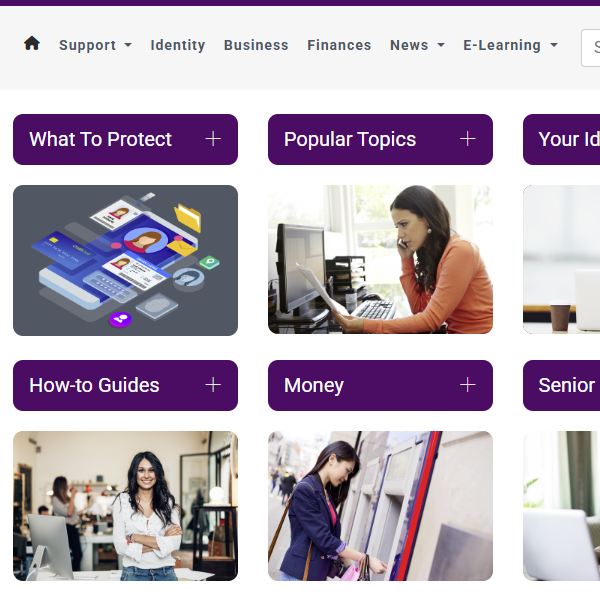
Complete Portal - Images
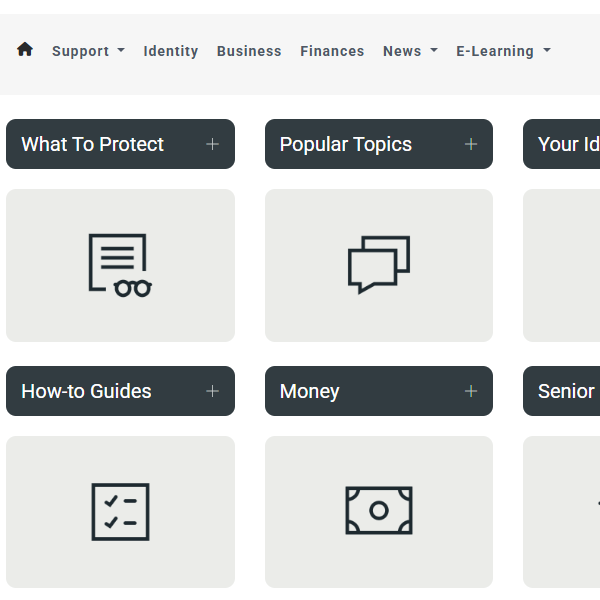
Complete Portal - Icons
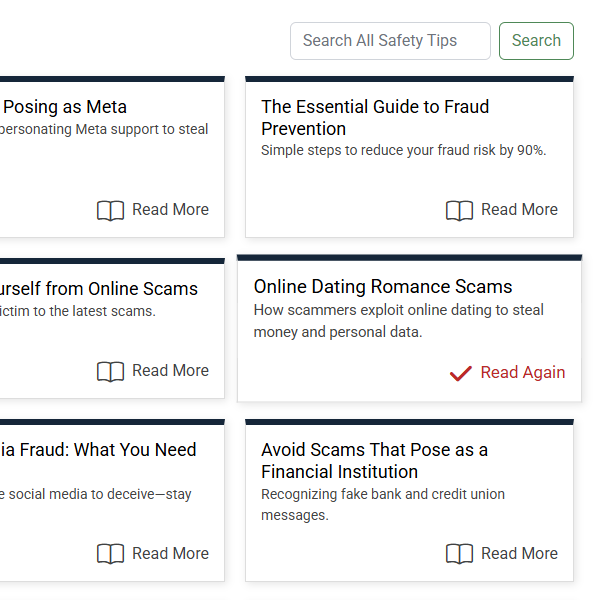
Security Portal Lite
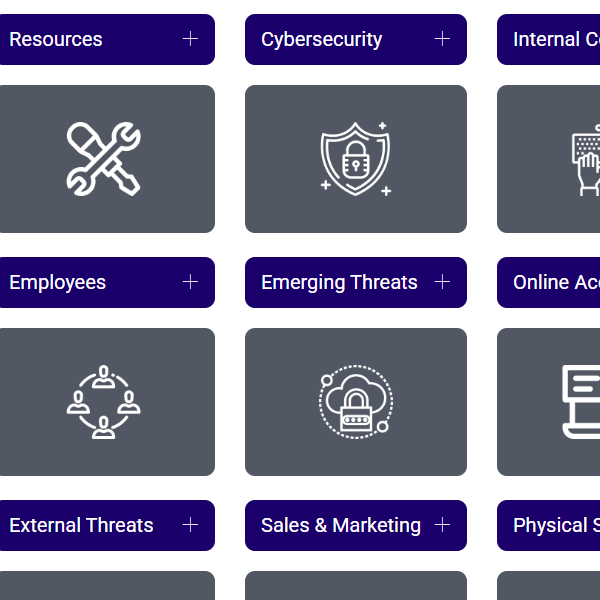
Commercial / Business Portal
Support Portal
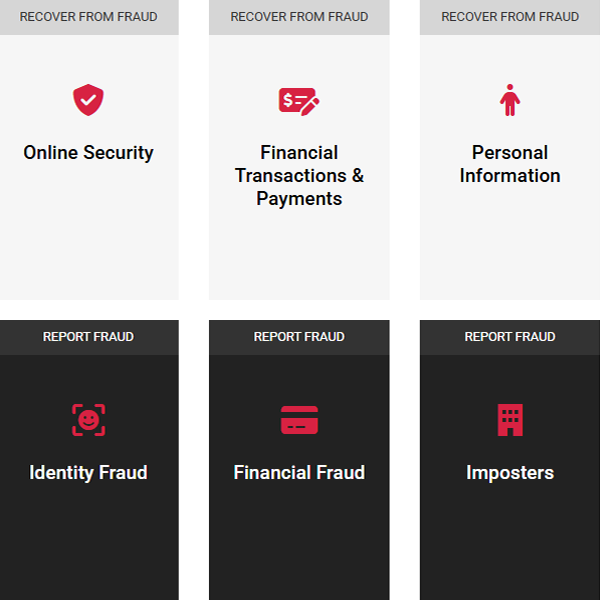
ID / Privacy Portal
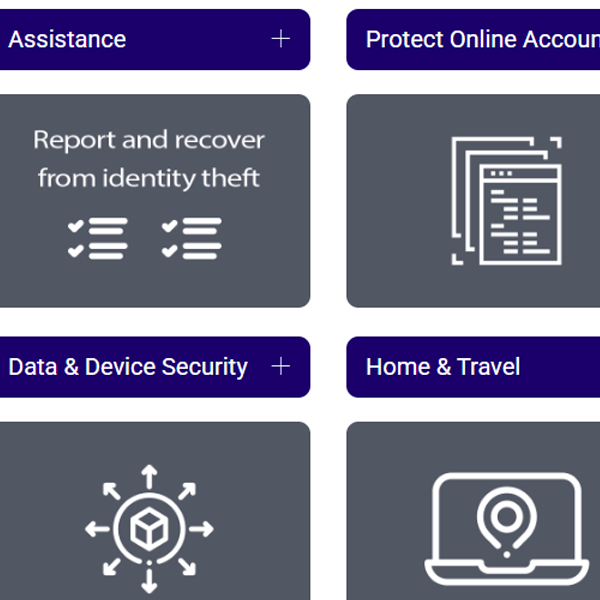
UI embedded iframe examples:
Content authoring examples:

Embedding eFraud Prevention Portal: A Guide for Web Developers
The eFraud Prevention portal can be integrated into your website using several different methods. This page provides an overview of the integration options, along with code examples and explanations to help you choose the best method for your needs.
1. Direct Link (Unique URL)
For a simple and fast way to provide access to the portal, you can use a direct link to the unique URL for your portal.
2. Standard Iframe
The standard <iframe> method allows you to embed the portal directly into your website. This method is simple and widely supported across browsers. Copy and paste the code below into your HTML to integrate the portal.
3. JavaScript Iframe
The JavaScript-based iframe provides more flexibility. You can dynamically set the URL and adjust the iframe dimensions programmatically. This method is useful for more complex setups where you may want to inject the iframe dynamically into the page.
4. Web Component Iframe
The Web Component-based iframe uses custom elements, allowing for greater encapsulation and isolation from other parts of the page. This method is a more modern approach and provides flexibility with styling and structure.
Web Component approach requires modern browsers that support the Web Components API.
Additional Resources
For more details about integrating iframes and using Web Components, check out these resources: