
Fraud Awareness Roadmap
Turn “Important Notice” scam banners into a better protection system
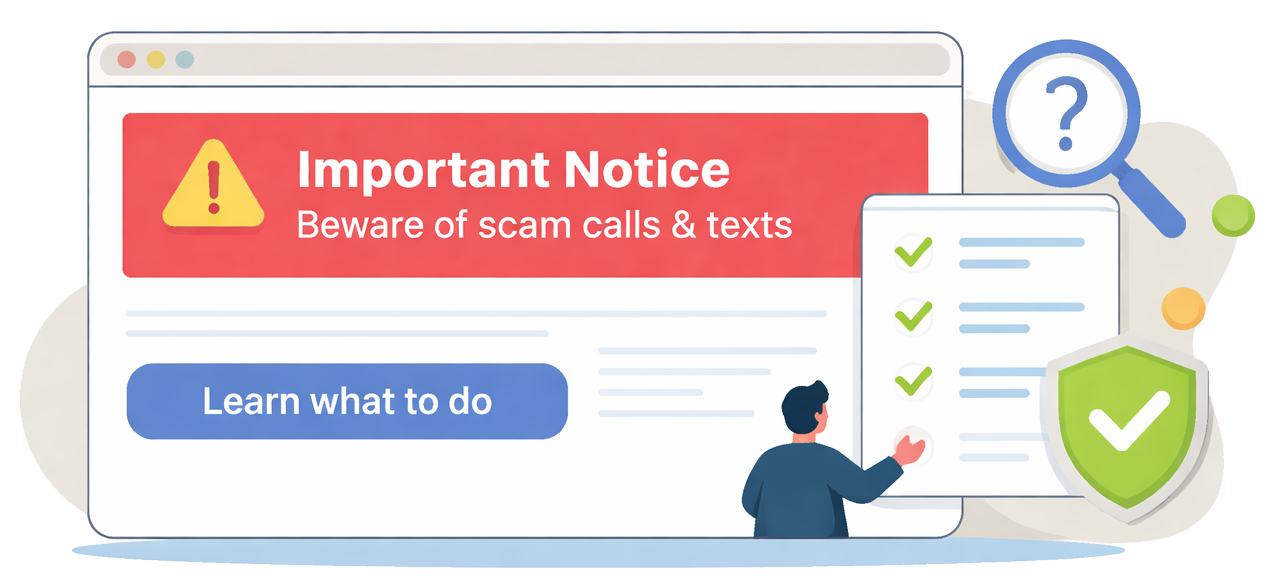 Homepage scam warnings are a good start—but a banner and a phone number alone often leave gaps.
With a few simple upgrades, the same homepage real estate can protect more people, reduce confusion, and strengthen trust.
Homepage scam warnings are a good start—but a banner and a phone number alone often leave gaps.
With a few simple upgrades, the same homepage real estate can protect more people, reduce confusion, and strengthen trust.
A common misperception to avoid
Prominent scam banners can sometimes be misread as “the bank was hacked” or “my data was breached.” In many cases, these incidents are impersonation scams using caller ID spoofing, public information, and social engineering.
This does not necessarily mean a customer or member’s account—or the institution’s systems—have been compromised. Safety improves when the warning links to clear red flags and verification steps.
What the banner does well
It creates urgency and gives account holders a place to call.
Where it falls short
It doesn’t teach the pattern, clarify what’s true, or guide the next step without panic.
A practical roadmap (beyond the phone number)
This framework works for “bank or credit union employee impersonation,” “account locked” texts, “Zelle/ACH reversals,” wire verification, one-time passcode requests, and third-party impersonations.
Link the banner to a short “Scam Explainer” page
Your banner should warn and route account holders to a plain-language explainer.
- What’s happening (30 seconds): one paragraph explaining the pattern
- What we will never ask: passwords, passcodes, remote access, “move funds to a safe account”
- How to verify: hang up, call a known number, use secure messaging, visit a branch
- If you responded: quick, step-by-step actions
Prevent the “hack/breach” misconception
One clear paragraph reduces panic while keeping the safety message strong.
- Explain the reality: spoofing + social engineering, not system access
- Reassure carefully: “This does not necessarily indicate compromise of our systems”
- Redirect to action: red flags + how to verify + what to do now
Give account holders a fast “Red flags” checklist
- Pressure: “right now,” “don’t tell anyone,” “you’ll be arrested,” “your account will close”
- Requests: passcodes, logins, remote access, gift cards/crypto, “test” transfers
- Tricks: spoofed numbers, fake case IDs, insisting you stay on the line
Add a simple “What to do” decision tree
- Received the call/text: don’t respond; verify via a known number; report details
- Shared a passcode/login: change credentials; contact the institution; add security
- Sent money: call immediately; attempt recall/stop; preserve evidence
Offer “2-minute learning” options
- 60–90 second video: how impersonation scams work
- One-page printable: “Stop • Verify • Report”
- Short quiz: “Would you spot the red flags?”
Build an evergreen alert library
- One home for alerts: /scam-alerts/ or /fraud-alerts/
- Same structure each time (account holders learn what to expect)
- Tag by type: impersonation, account takeover, payments, business scams, seniors
Equip staff with the exact right link + scripts
- A single hub link for contact center and branches
- Copy/paste phone script and secure message template
- Shareable links that match the homepage alert
Track a few simple signals
- Clicks from banner → explainer page
- Views of “what we never ask”
- Video/quiz completions (optional)
Prevent “alert fatigue” so the warning doesn’t become invisible
If a scam banner is always present, many members eventually tune it out. The fix is to keep the homepage message brief, but make it feel current—and always route to the deeper guidance.
- Add “Updated” dates and keep the language fresh.
- Use short rotations (2–4 weeks) so repeat visitors see something “new.”
- Keep a permanent hub for all alerts and explainer pages (evergreen library).
- Use the banner as a gateway to red flags, verification steps, and what to do if someone responded.
Homepage banner upgrade examples
Keep your existing alert style, but add a clear resource link.
Important Notice: Beware of fraudulent calls/texts claiming to be from our institution.
Scammers may spoof our phone number and pressure you into sharing a passcode or moving funds.

We will never call/text to ask for your password, one-time verification code, or to transfer money to a “safe account.”
If you receive a suspicious call/text, hang up and call us using the number on your card or statement.

Learn the red flags + what to do: /scam-alerts/impersonation-calls-and-texts.html • Call us: (800) 000-0000
Scam Alert: Fraudsters are posing as payment network representatives and requesting sensitive file reviews.
Do not share files, credentials, or access with unsolicited callers.

Read: how this scam works + how to verify: /scam-alerts/ach-impersonation.html • Report suspicious activity: (800) 000-0000